

Self-service terminals
Self-service terminals
Loan/return machines

Registering a loan
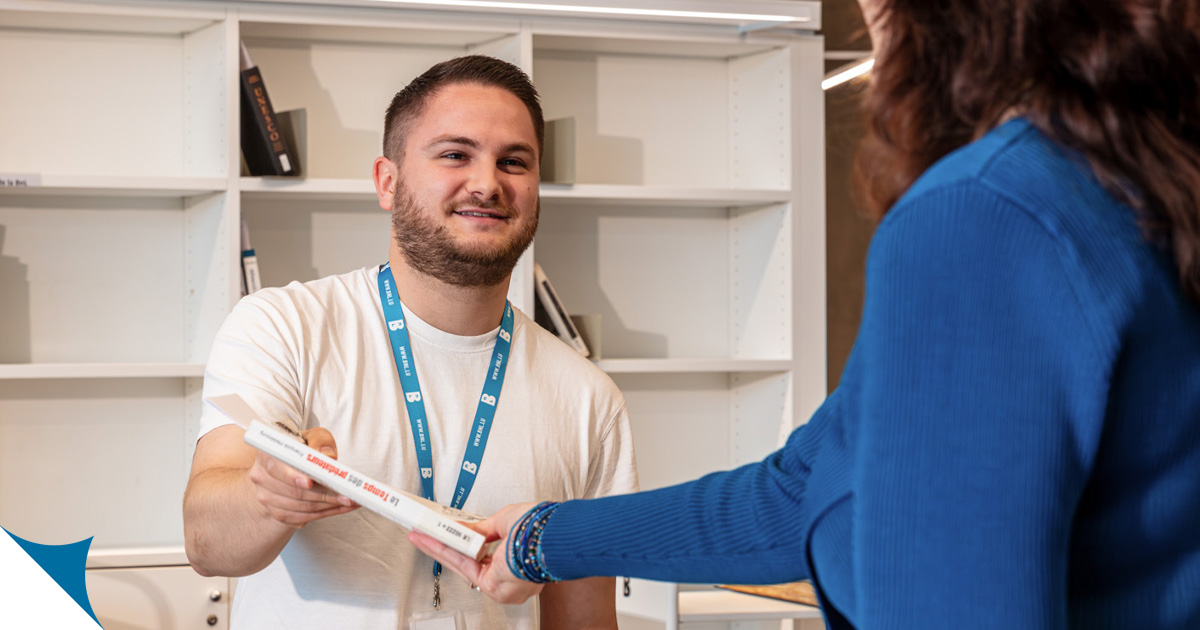
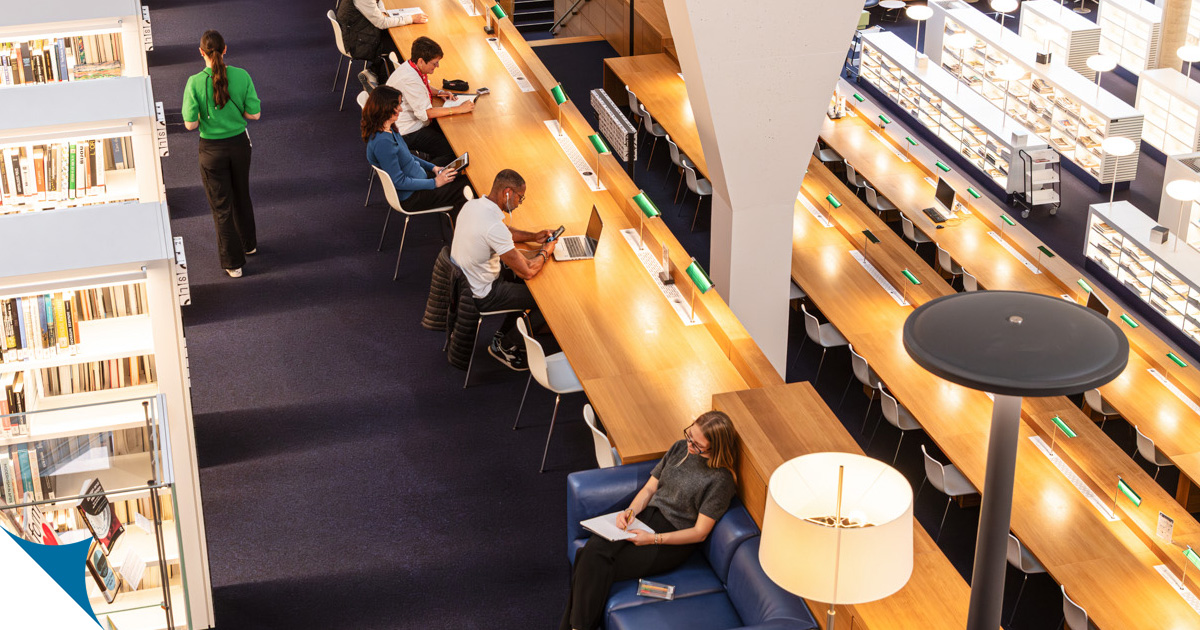
Self-service loan/return machines are available on every floor of the Reading Room. They allow you to check out items for home loan yourself.
- To begin, identify yourself using your library card.
- Then place your items on the tray one at a time. Each loan will be registered automatically to your account. You can print a receipt if you wish.
Returning a document
You can return your items using any of the self-service terminals in the Reading Room.
- Place the items on the tray one at a time, then press “Return”. The transaction is recorded instantly on your account.
- Afterwards, place the items on the trolley or in the return box nearby. Please don’t put them back on their shelf yourself.
Two automated return boxes are also available in the entrance hall, along with a third one outside the building, accessible 24/7.
You can return all items borrowed from the collections of the National Library and the Bicherbus at these points.
Collecting a reserved document
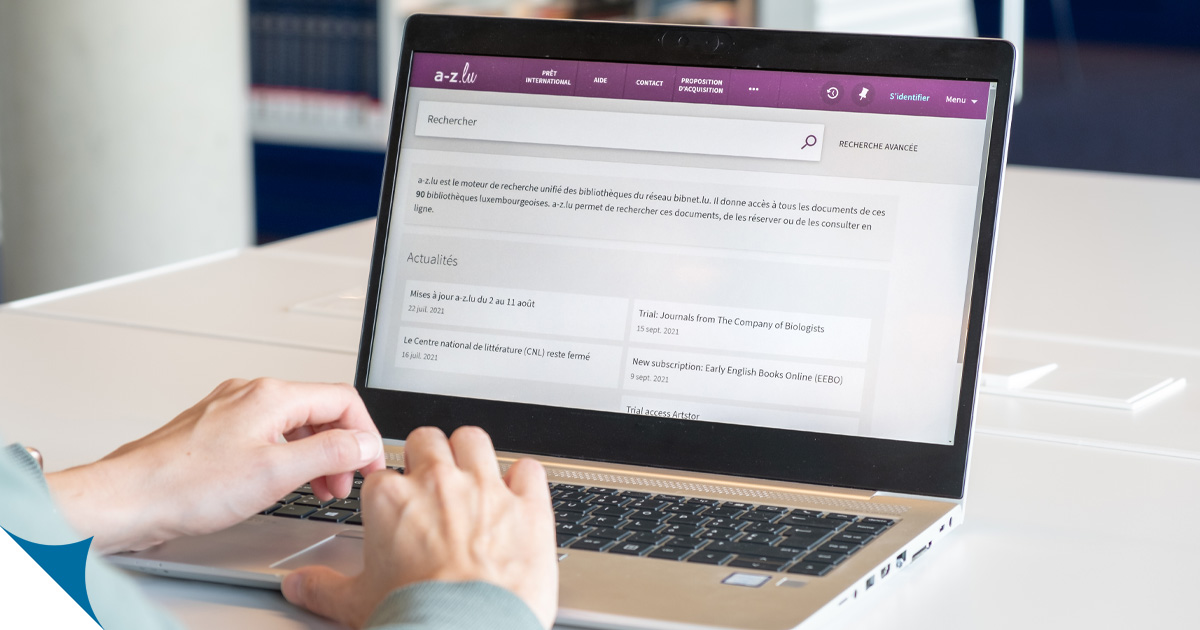
When placing a reservation via the a-z.lu portal, you can choose to collect your items either at the loans desk in the Reading Room or at the self-service collection point located on the library forecourt, accessible 24/7.
Only certain items are eligible for collection via this method. If applicable, this option will be displayed to you when making your reservation.
Related topics
Multimedia accessories
At the entrance to the Media Centre, you’ll find a self-service station where you can borrow items such as headphones, adaptor cables or DVD/Blu-Ray players.
To borrow, simply scan your library card at the station, enter the number of the item you’d like, and confirm.
Frequently asked questions
Do I need a library card to use the self-service terminals?
Yes, you must use a physical library card issued by the BnL to register a loan or to retrieve a document from the self-service collection point. It is not possible to log in with your user name and password on these devices. However, there is no need to log in when returning a document.
What should I do if the return machine does not accept my books?
We recommend inserting your documents one by one rather than all at once. If a document is not accepted by the return machine, please verify that it originates from the holdings of the National Library or the Bicherbus and not from another library. Alternatively, you can return it at the loans desk.
How long do I have to collect a document from the self-service collection point?
Your documents will be held for you for seven days. If you do not collect them within this time frame, they will be returned to the closed stacks and your order will be cancelled.
How do I know if a book can be collected from the self-service collection point?
Only certain documents can be collected from the self-service collection station. Where applicable, this option will be displayed when you place your order on a-z.lu.

Click on the drop-down menu and select the self-service collection point as your pick-up location.
What multimedia accessories can I borrow?
The following items are available:
Headphones – for use on site
DVD/Blu-ray players with adaptor cables (Lightning, Micro USB, USB-C) and USB charger (USB-A and USB-C) – available for home loan
Accessories for group study rooms: Remote controls and styluses for touchscreens, adaptor cables (USB-A to USB-B; USB-C to HDMI; DisplayPort to HDMI; Mini DisplayPort to HDMI; HDMI to Mini HDMI; HDMI to HDMI) – for use on site
Last update